
Stimulation and Minimalism
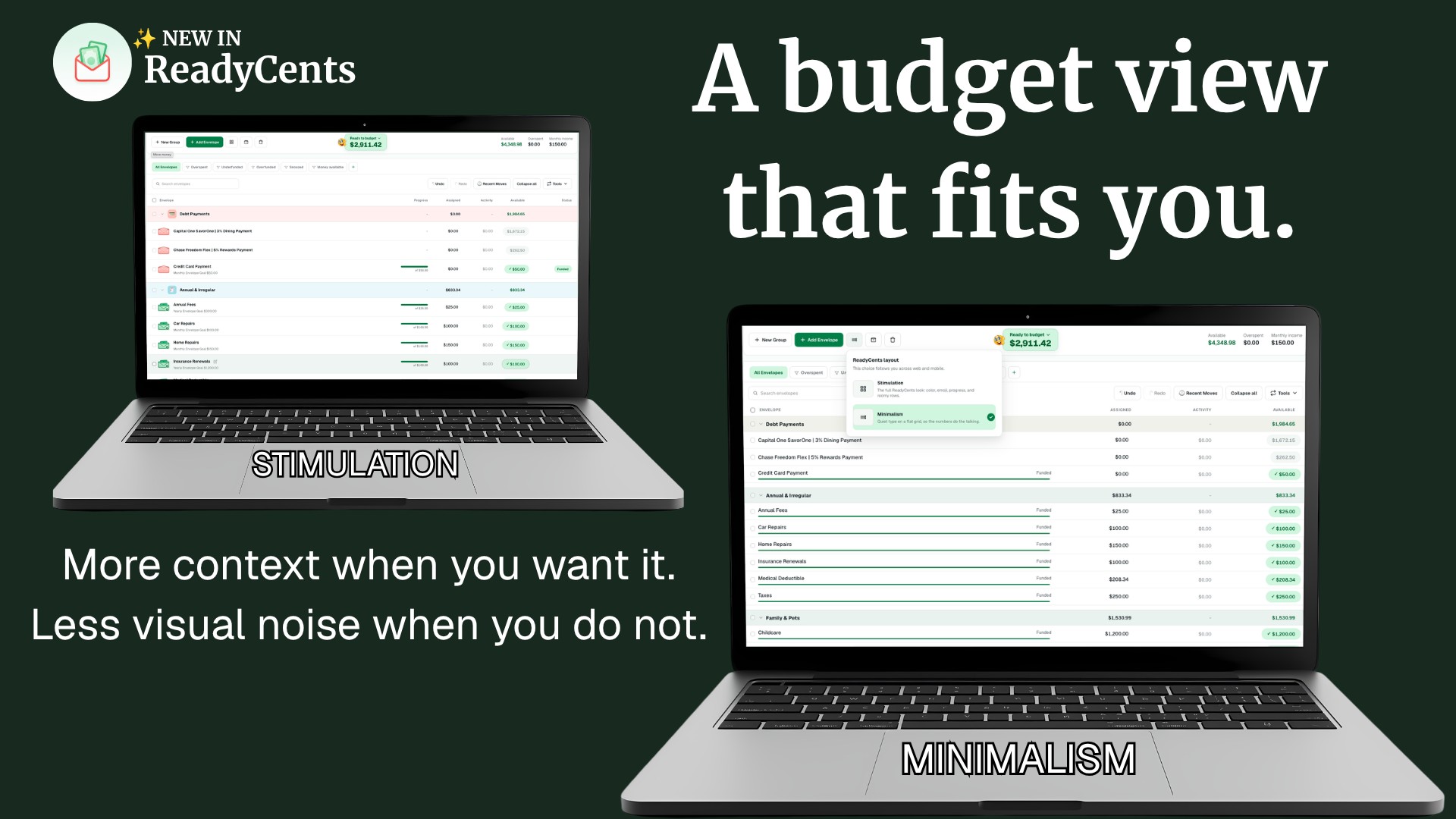
✨ A budget view that fits you ReadyCents now gives you two ways to see the same budget: Stimulation and Minimalism. Some budgeting days call for more context. Other days, a quieter screen makes it easier to focus on the next decision. You can choose the view that works for you. Stimulation Stimulation keeps more cues, context, and progress visible while you plan and adjust your budget. Choose it when you want more of the picture nearby: what needs attention, how goals are progressing, and where your money is going. Minimalism Minimalism gives you a calmer, more compact Budget view centered on Assigned, Activity, and Available. Choose it when you want fewer competing elements and a clearer view of the numbers you need to act on. Your budget still works your way Both layouts show the same budget. Nothing changes about your envelopes, money, or plan. This is about choosing the amount of context that helps you make a clear next decision. The update also includes inline envelope and group editing, custom colors, and more flexible Budget controls.
How do you feel about this update?